Xplor
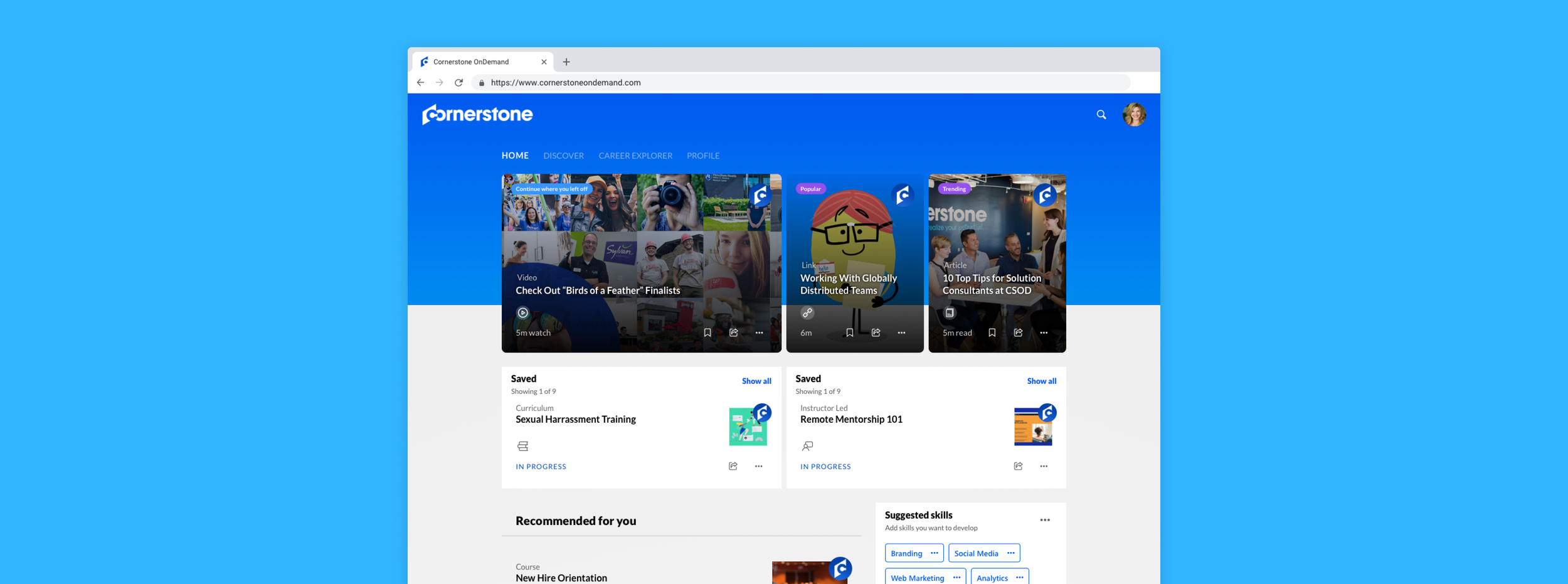
A new revision to Cornerstone’s flagship learning platform, Xplor is a personalized learning experience that curates courses based on learner’s interests, skillset, and growth.
My Role
Design Manager
Timeline
16 Weeks
Team
Sr UX Designer, Sr UI Designer, Lead Product Manager, Lead UI Developer
Goal
How might we design our new learning platform to fit with the new landscape of learning?
Research
Xplor started as an innovation project with the idea of modernizing the learning platform. The design and product team worked together to brainstorm ideas on who we wanted to target and what experiences we wanted it to be. We based our research on surveys off usertesting.com and learning space trends. This is the persona we decided to target.

Ashley
A millennial who works as a digital marketer for a big tech company.
28 years old
Tech-savvy
Loves to learn
Career driven
Ambitious
Hobbies
Walking her dog
Posting on social media
Hosting her book club
Ashley wants relevant and shorter content
Learners care about content that fit their schedule, so nuggets of videos that are quick to the point and shorter in time.
Ashley wants accessibility
Learners want a learning experience that fits their lifestyle and easily accessible where they are, how they want to consume it.
Ashley wants content that will help her career
When it comes to a learners’ interest on what they want to learn, it revolves around courses that tie to their skillset and career.
Design Highlights
Browse and search content
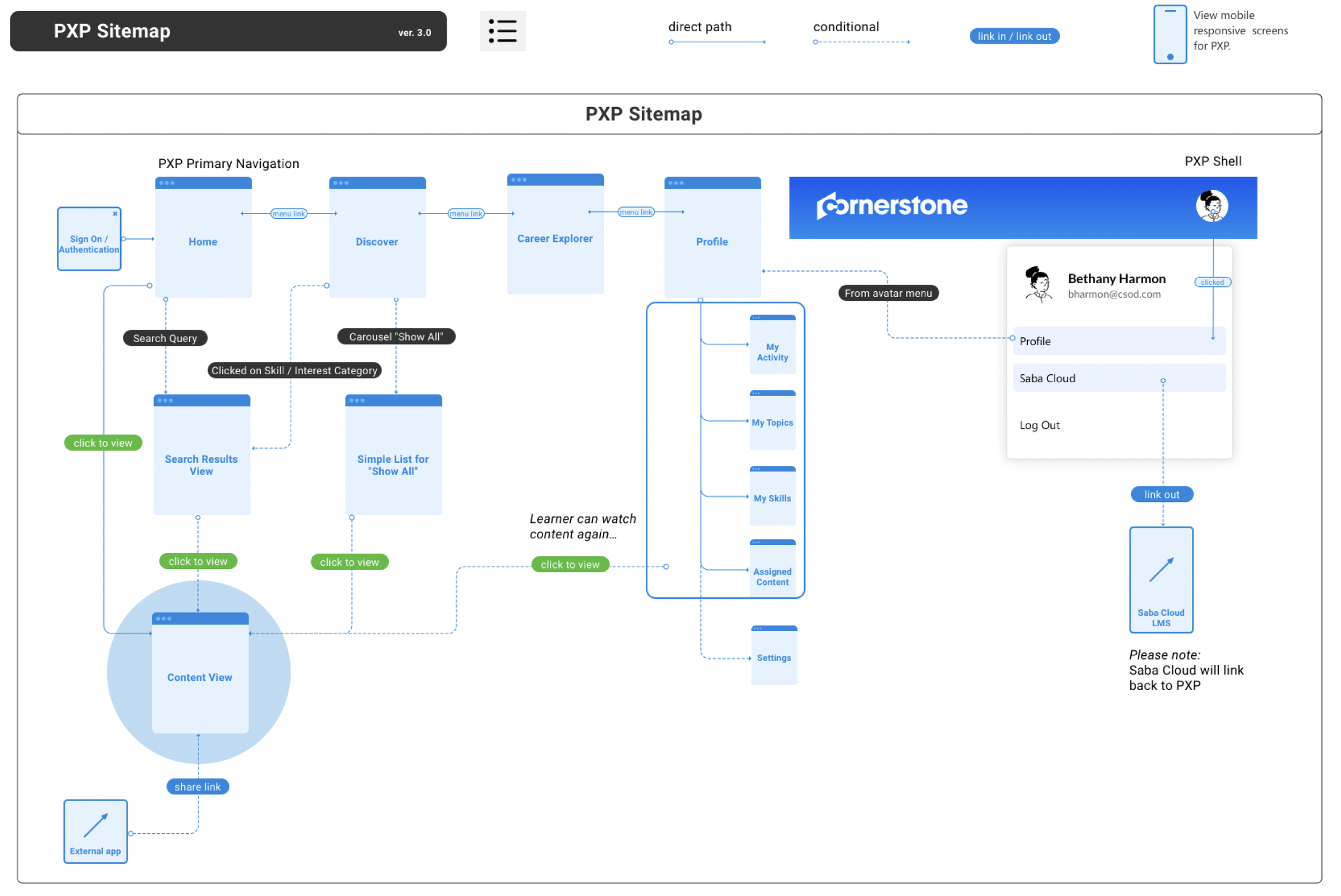
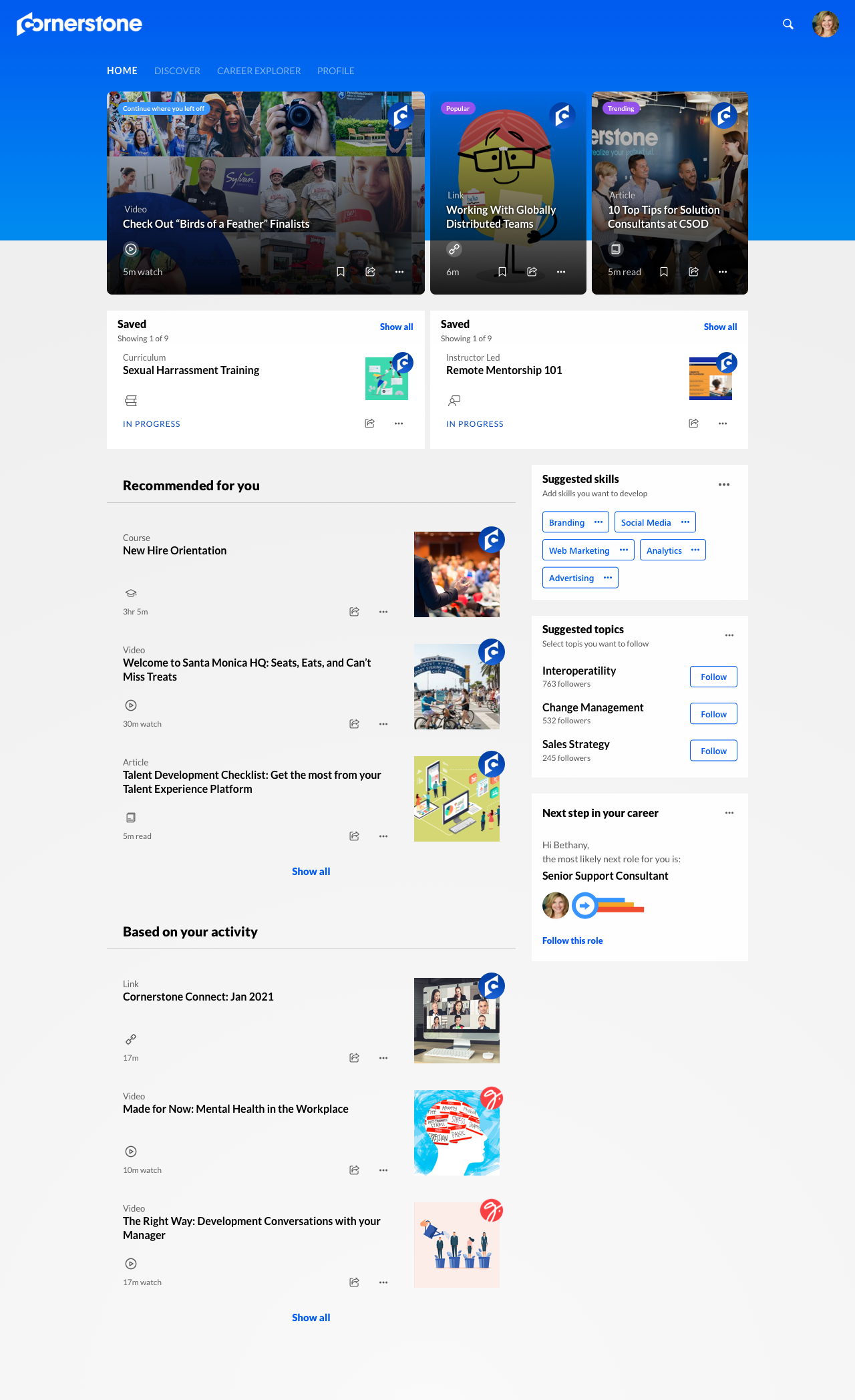
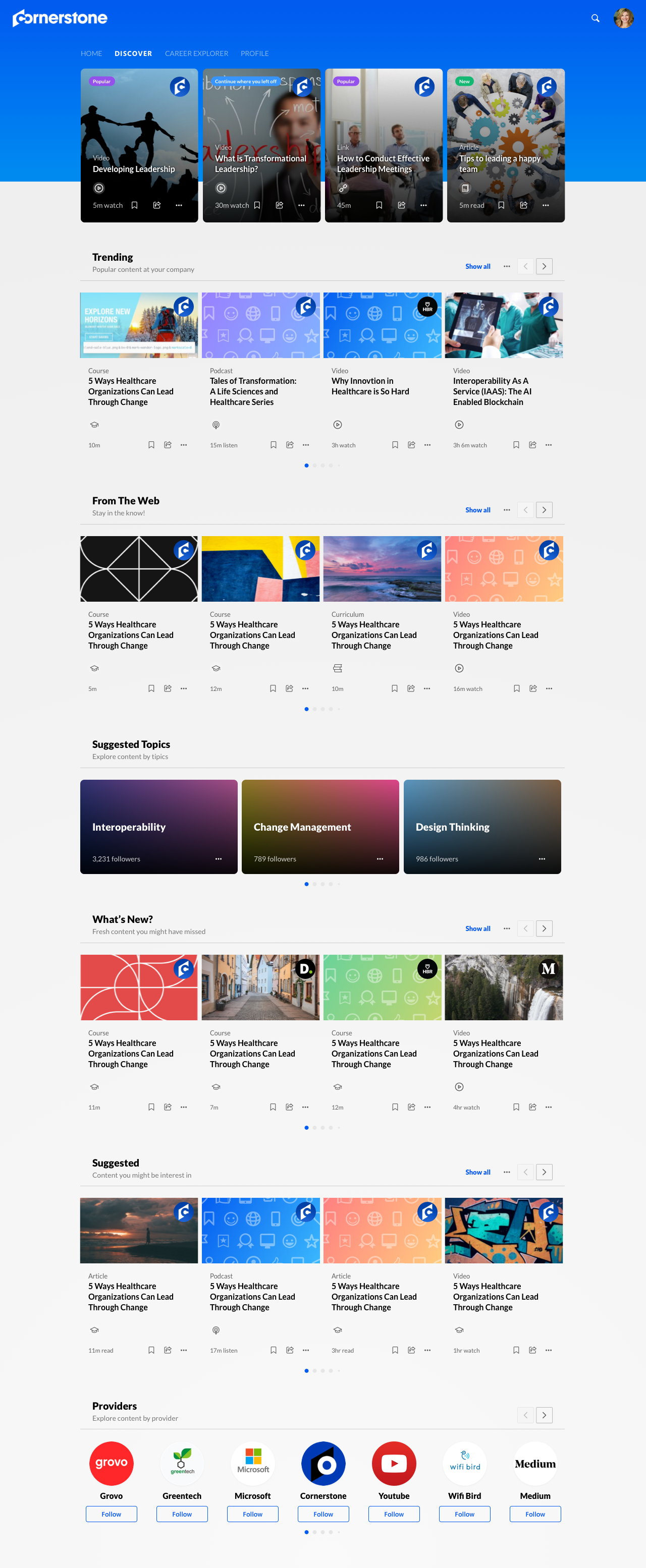
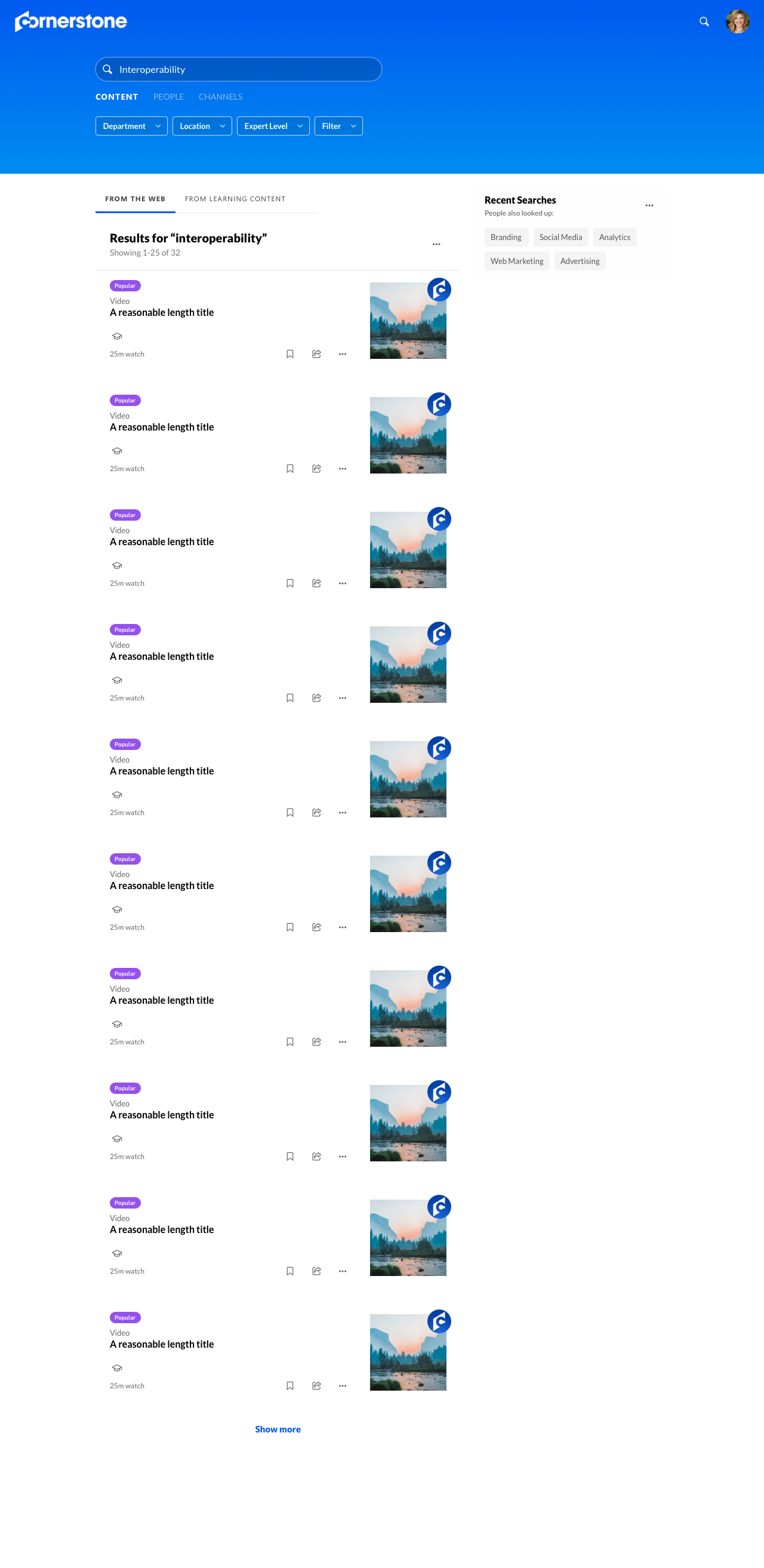
Xplor introduces the user recommended content based on their interest, profession, and skillset. The user has the option to browse what the system recommends, discover content based on their company, or search for a specific course.
Homepage
Discover
Search
All about me
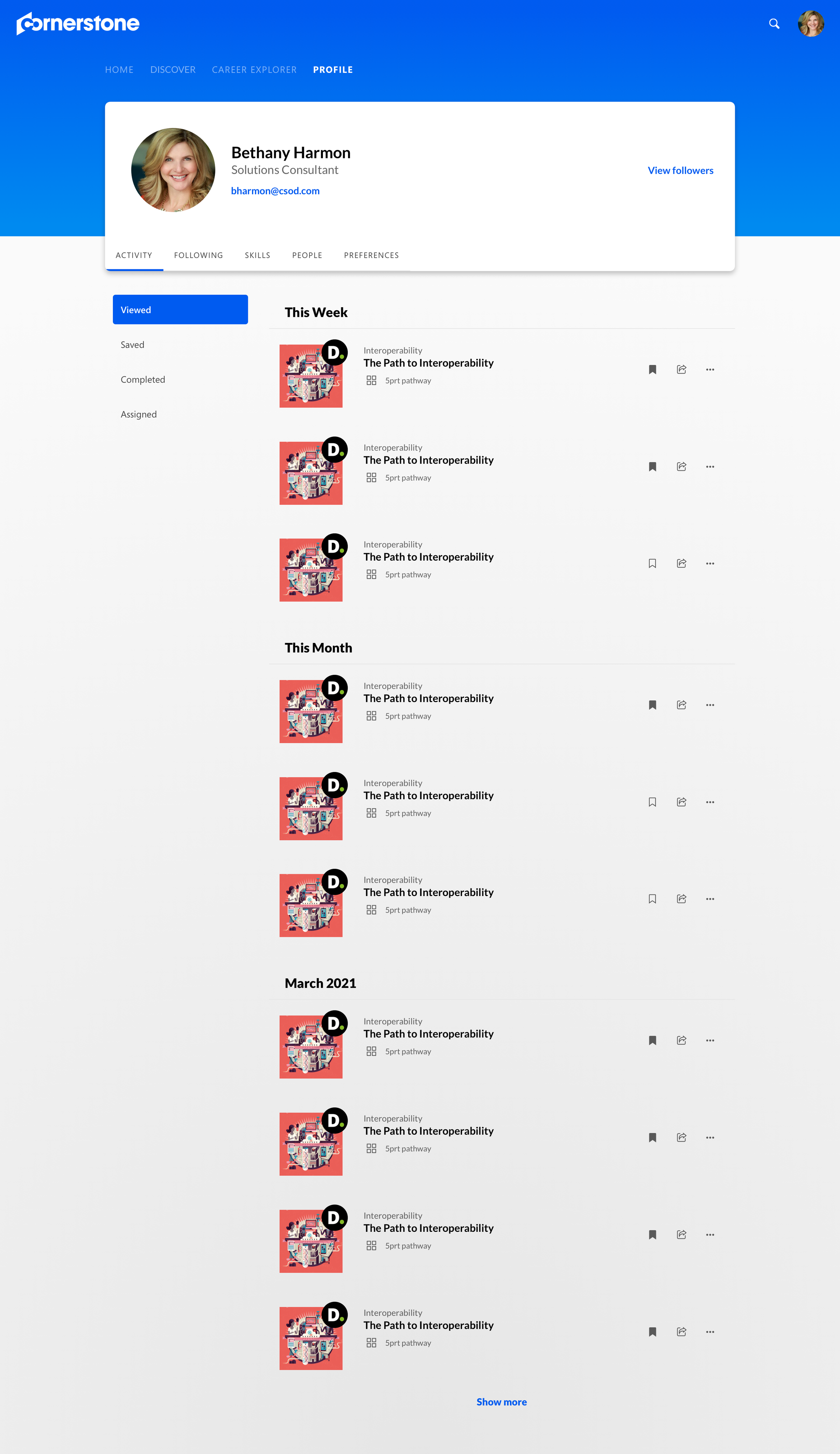
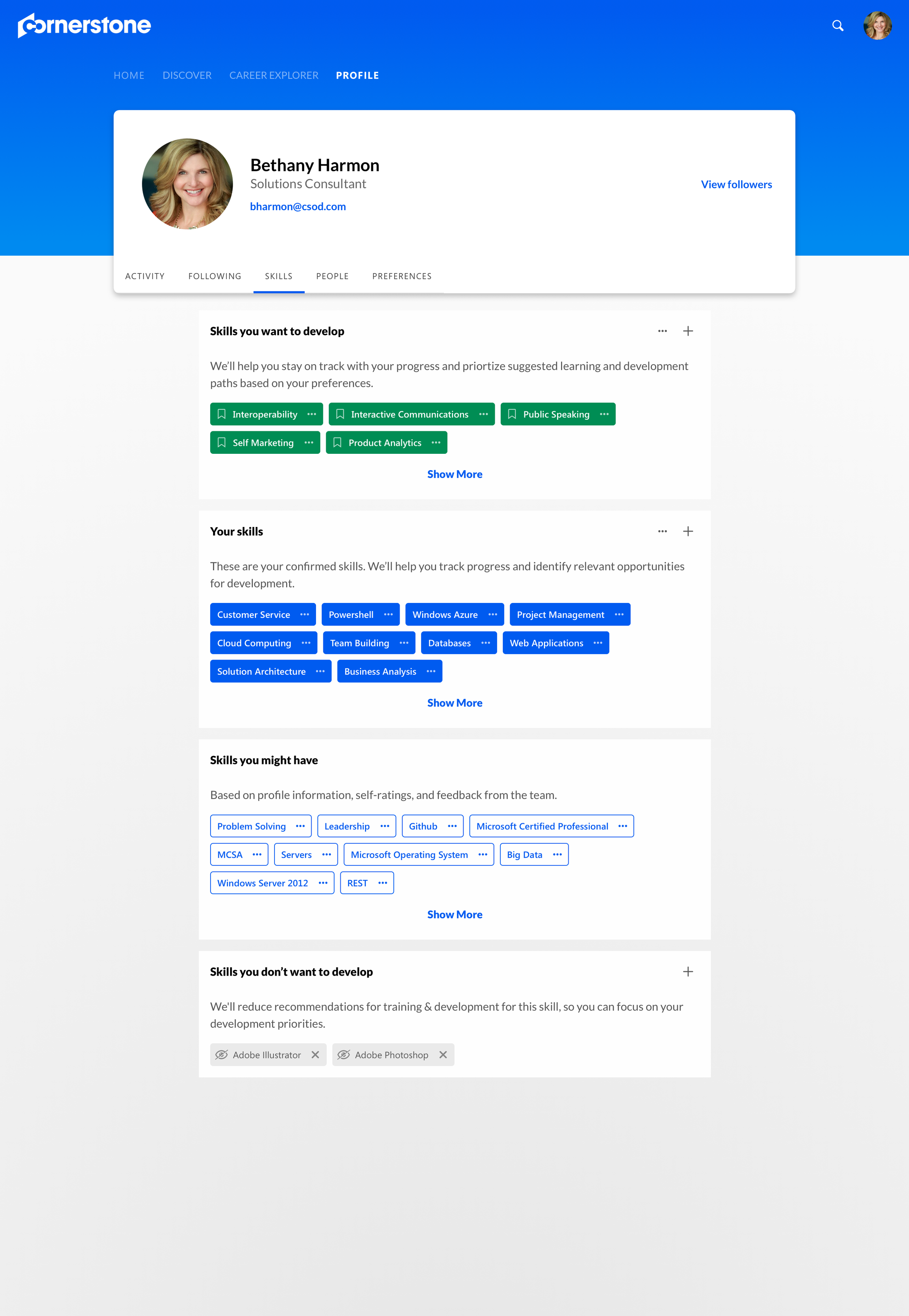
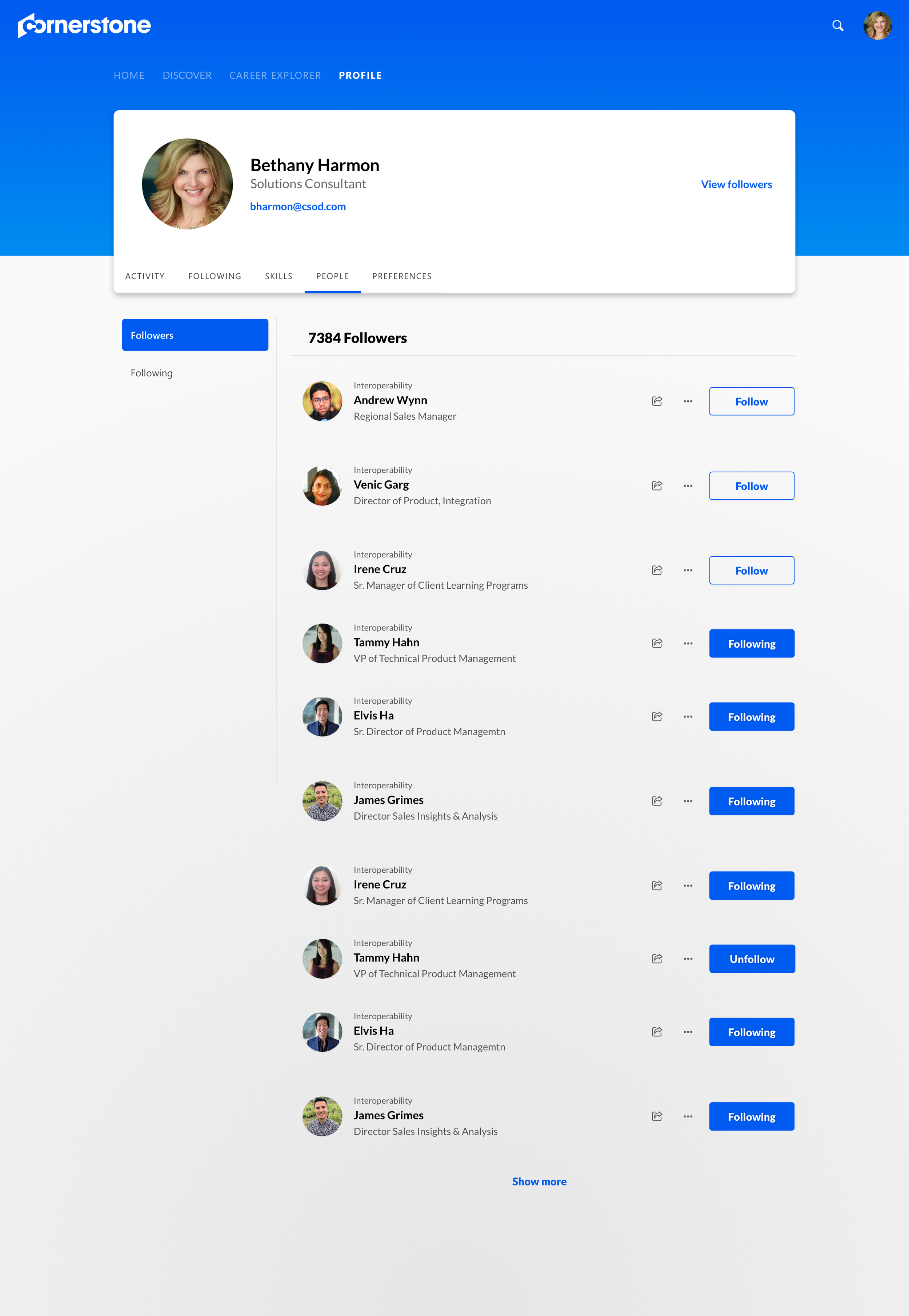
User can see everything about them in the Profile page from their recent activities exploring Xplor, determine their profession and skillset to help system understand them better, and follow peers in their organization.
Profile activity
Profile skills
Profile followers
Consuming content
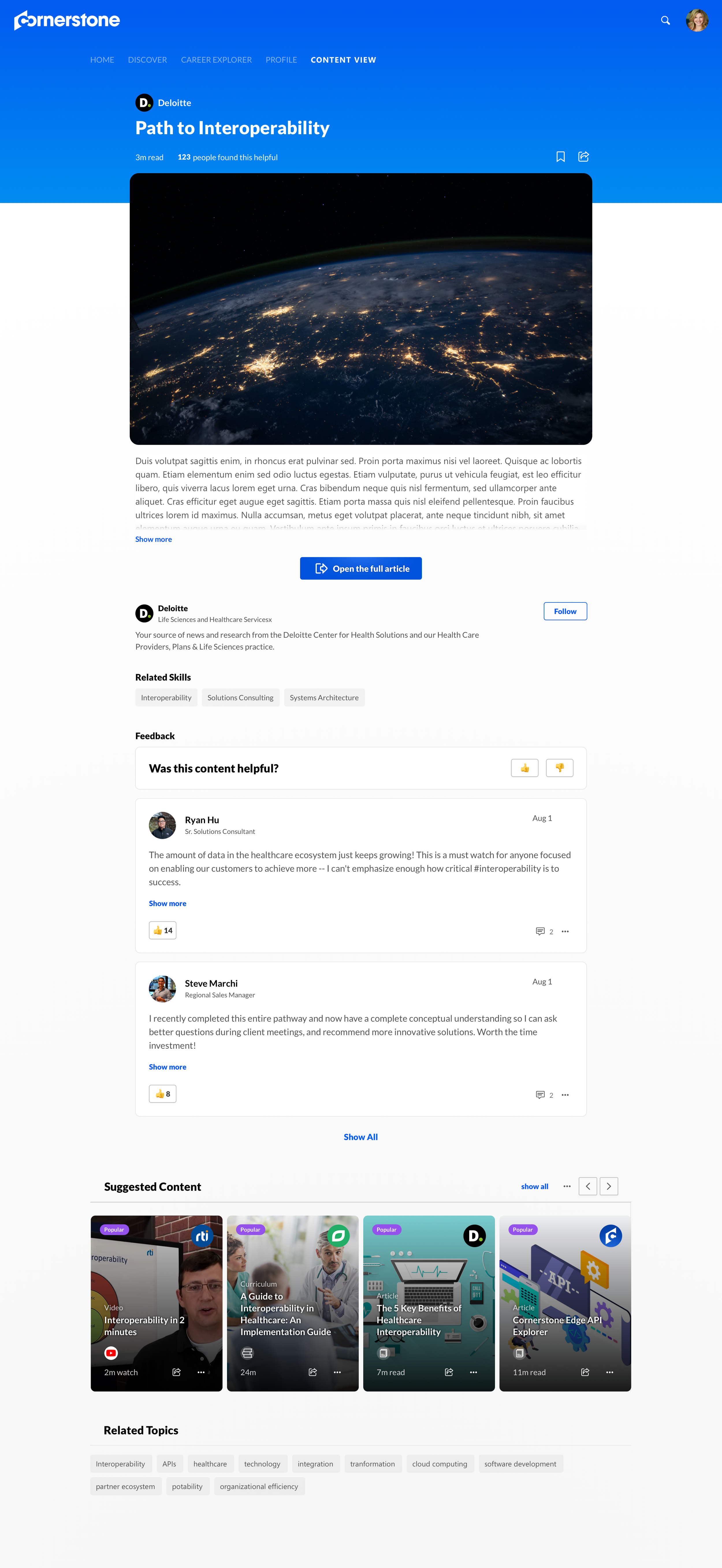
The content page not only shows all the details about the content, but it also immediately plays the content inline. User has the option to view the content full screen or view in a mini window while reading or writing feedback about the content. They can also continue to explore other content relevant to the current content through continuous loop.